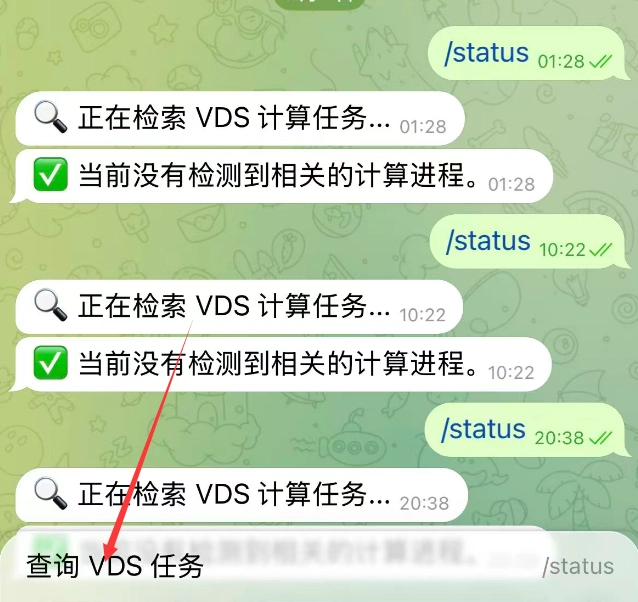
VPS 连接 Telegram 机器人
1.安装 Python 的包管理工具 pip3
- 在终端中输入并运行命令:apt update && apt install -y python3-pip
- 安装 Telegram Bot 依赖库:pip3 install python-telegram-bot
2.上传 python 脚本
让 Ai 让你写一个就行,具体想要什么功能。
- 后台运行 python 脚本:nohup python3 vds_monitor.py > bot.log 2>&1 &
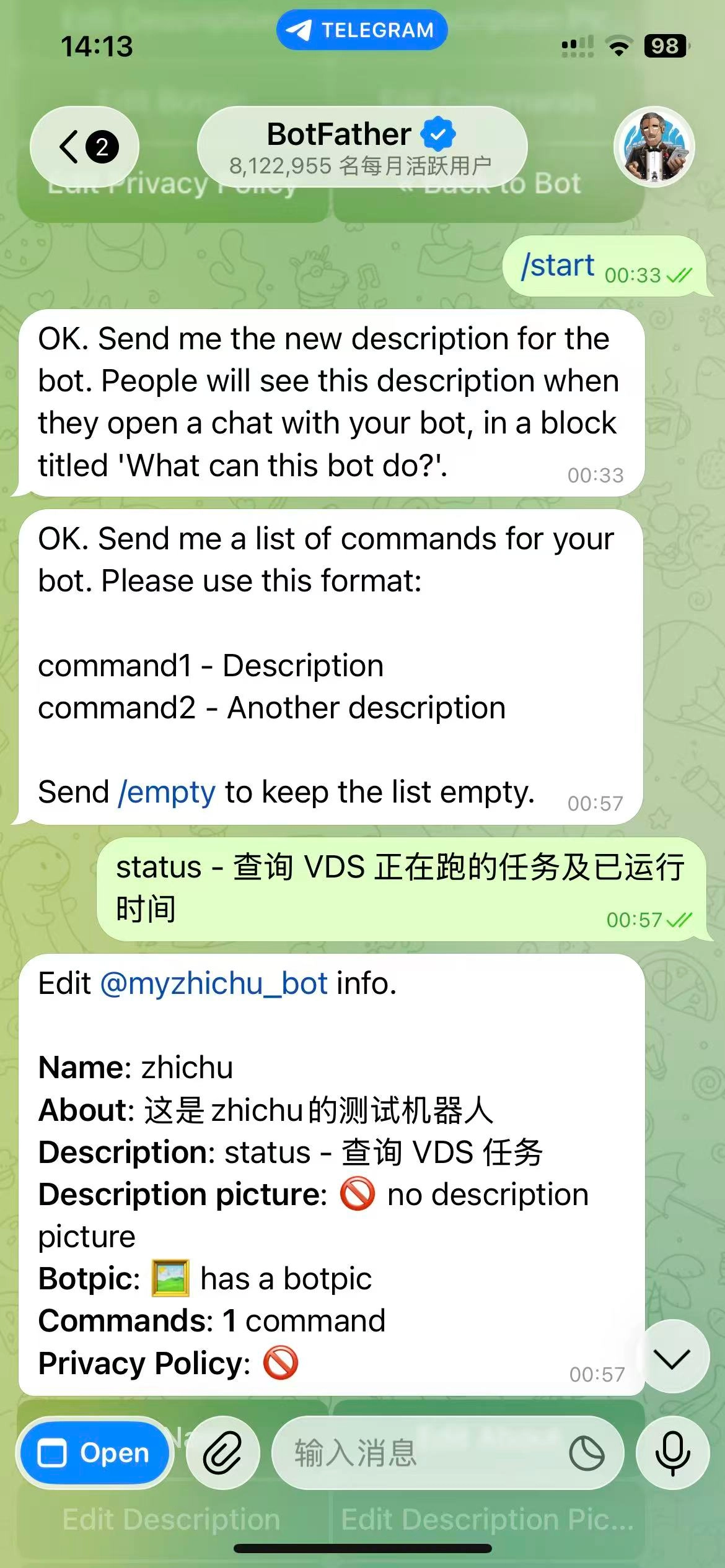
3.Telegram 机器人设置命令
在这里我是检测 VPS上 的 gaussian任务
- 打开 Telegram 找到 @BotFather
- 发送 /setcommands
- 选择你的机器人
- 直接发送一行文本:status - 查询 VDS 正在跑的任务及已运行时间
4.效果
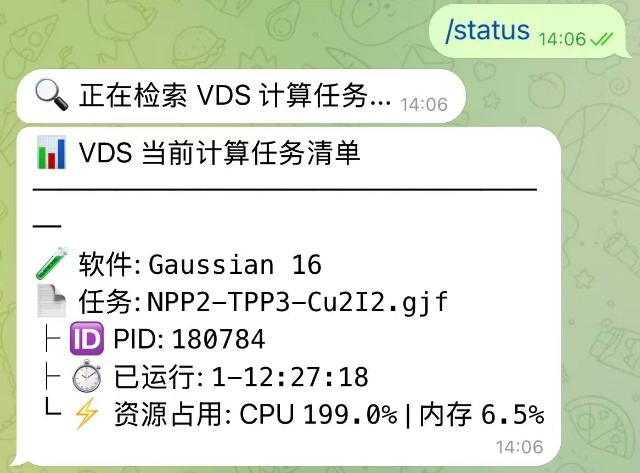
- 正在运行:
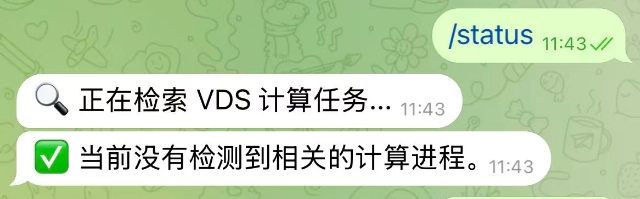
- 未运行:
- 任务发送: